> For the complete documentation index, see [llms.txt](https://dataflint.gitbook.io/dataflint-for-spark/llms.txt). Markdown versions of documentation pages are available by appending `.md` to page URLs; this page is available as [Markdown](https://dataflint.gitbook.io/dataflint-for-spark/dataflint-copilot/copilot-in-claude-code.md).
# Copilot in Claude Code
Learn how to install the DataFlint MCP server in Claude Code to enable AI-powered Spark optimization directly in your terminal
### Summary
This guide shows you how to install and configure the DataFlint MCP (Model Context Protocol) server in Claude Code.
The entire process takes just a few minutes.
The steps are:
1. Prerequisites - Ensure you have the required tools installed
2. Add DataFlint MCP to Claude Code
3. Authenticate with your organization
4. Verify the installation
### Prerequisites
Before installing the DataFlint MCP server, ensure you have:
* **Node.js** (version 18 or higher) installed on your system
* **npm** or **npx** available in your command line
* **Claude Code** installed and available as `claude` in your terminal
* Your **organization's customer domain** — only for BYOC (bring your own cloud) customers. Contact your DataFlint admin if you do not know it.
### Installation
#### Step 1: Add DataFlint MCP to Claude Code
Open a terminal and run one of the following commands.
**For SaaS customers:**
```bash
claude mcp add dataflint -- npx -y @dataflint/mcp-server@latest
```
**For BYOC (bring your own cloud) customers:**
```bash
claude mcp add dataflint -- npx -y @dataflint/mcp-server@latest --customer-domain YOUR_COMPANY_NAME
```
{% hint style="info" %}
Replace `YOUR_COMPANY_NAME` with your customer domain. SaaS customers do not need this flag.
{% endhint %}
#### Step 2: First-time authentication
When you first use DataFlint MCP in Claude Code:
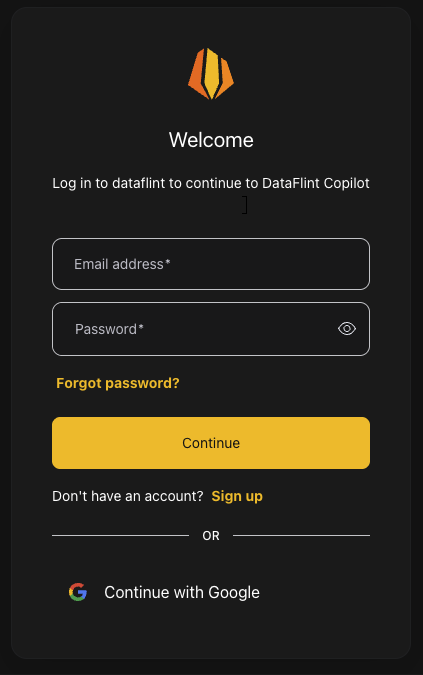
1. Your browser will automatically open to your organization's authentication page
2. Log in with your organization credentials
3. Future uses will not require browser authentication
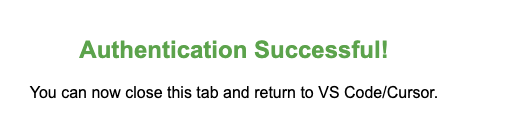
After successful authentication, you can close the browser and return to Claude Code.
### Verify the installation
#### Test the connection
Open Claude Code, run `/mcp`, and run the Spark expert command:
Then you can ask Claude questions, with or without the prompt, such as:
```
Find my top 5 application to fix by using DataFlint MCP
```